Answer
Oct 31, 2025 - 06:18 AM
The light should come on during the all keys lost programming procedure.
Please be sure you are following the directions below and do not be afraid to give us a call or send us a live chat message should you need further assistance.
Programming Instructions:
ALL KEYS LOST/MISPLACED
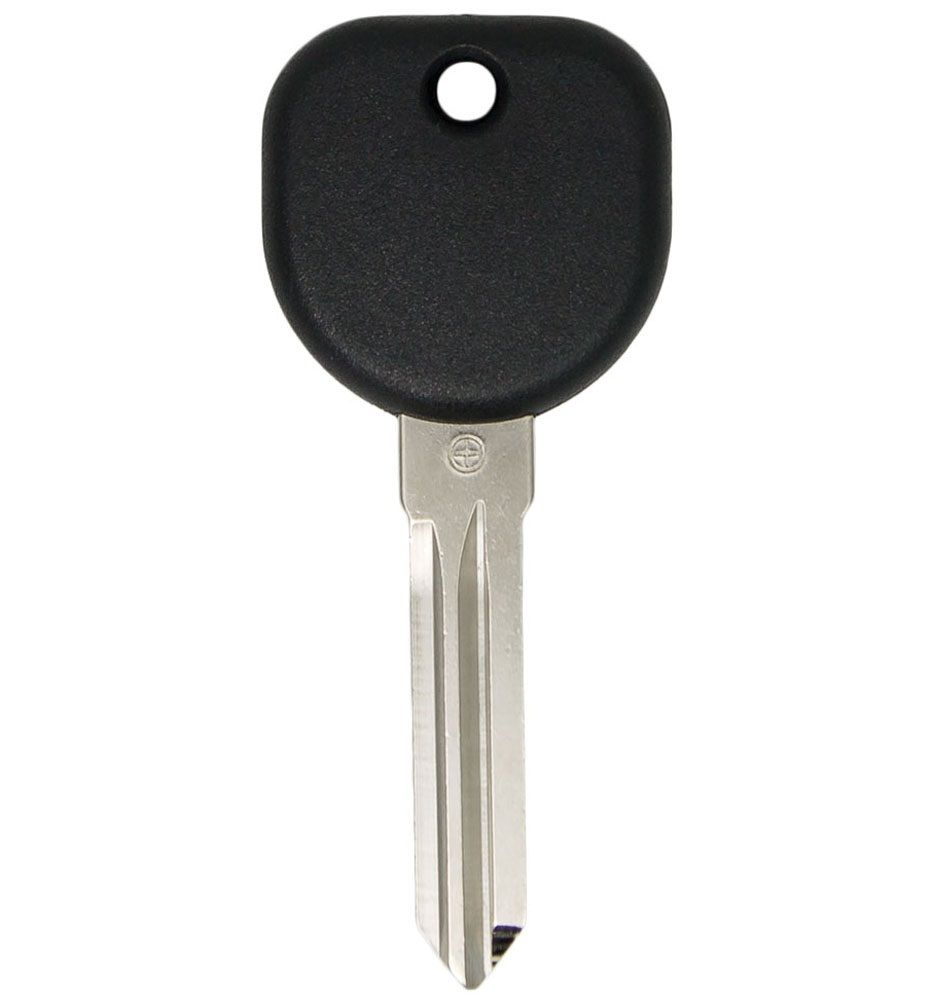
1. Insert the new cut key into ignition cylinder and turn it to the ON position. The security light on the dash will light up and stay on for about ten minutes. When the security light goes out, you have one minute to start the next step.
2. Turn the ignition cylinder to OFF and then back to the ON position. The security light on the dash will illuminate and stay on for ten more minutes. When the security light goes out, you have one minute to start the next step.
3. Turn the ignition cylinder to OFF and then back to the ON position. The security light on the dash will illuminate and stay on for ten more minutes.
4. After the security light has gone off for the third time, turn key off and remove from ignition. The key is now programmed and all other keys have been erased.
5. Insert key and start vehicle to test key.
TO ADD AN EXTRA KEY (you must have at least one working key)
1. Insert an existing programmed working key into the ignition cylinder.
2. Turn ignition to the ON position for 5 seconds, then back to OFF position.
3. Remove the existing key and within 5 seconds insert new key and turn it to the ON position for 5 seconds.
4. Turn key OFF then back to ON. The key is now programmed. Start vehicle to test the key.
Please be sure you are following the directions below and do not be afraid to give us a call or send us a live chat message should you need further assistance.
Programming Instructions:
ALL KEYS LOST/MISPLACED
1. Insert the new cut key into ignition cylinder and turn it to the ON position. The security light on the dash will light up and stay on for about ten minutes. When the security light goes out, you have one minute to start the next step.
2. Turn the ignition cylinder to OFF and then back to the ON position. The security light on the dash will illuminate and stay on for ten more minutes. When the security light goes out, you have one minute to start the next step.
3. Turn the ignition cylinder to OFF and then back to the ON position. The security light on the dash will illuminate and stay on for ten more minutes.
4. After the security light has gone off for the third time, turn key off and remove from ignition. The key is now programmed and all other keys have been erased.
5. Insert key and start vehicle to test key.
TO ADD AN EXTRA KEY (you must have at least one working key)
1. Insert an existing programmed working key into the ignition cylinder.
2. Turn ignition to the ON position for 5 seconds, then back to OFF position.
3. Remove the existing key and within 5 seconds insert new key and turn it to the ON position for 5 seconds.
4. Turn key OFF then back to ON. The key is now programmed. Start vehicle to test the key.