Answer
Mar 11, 2026 - 01:31 PM
Yes, you can.
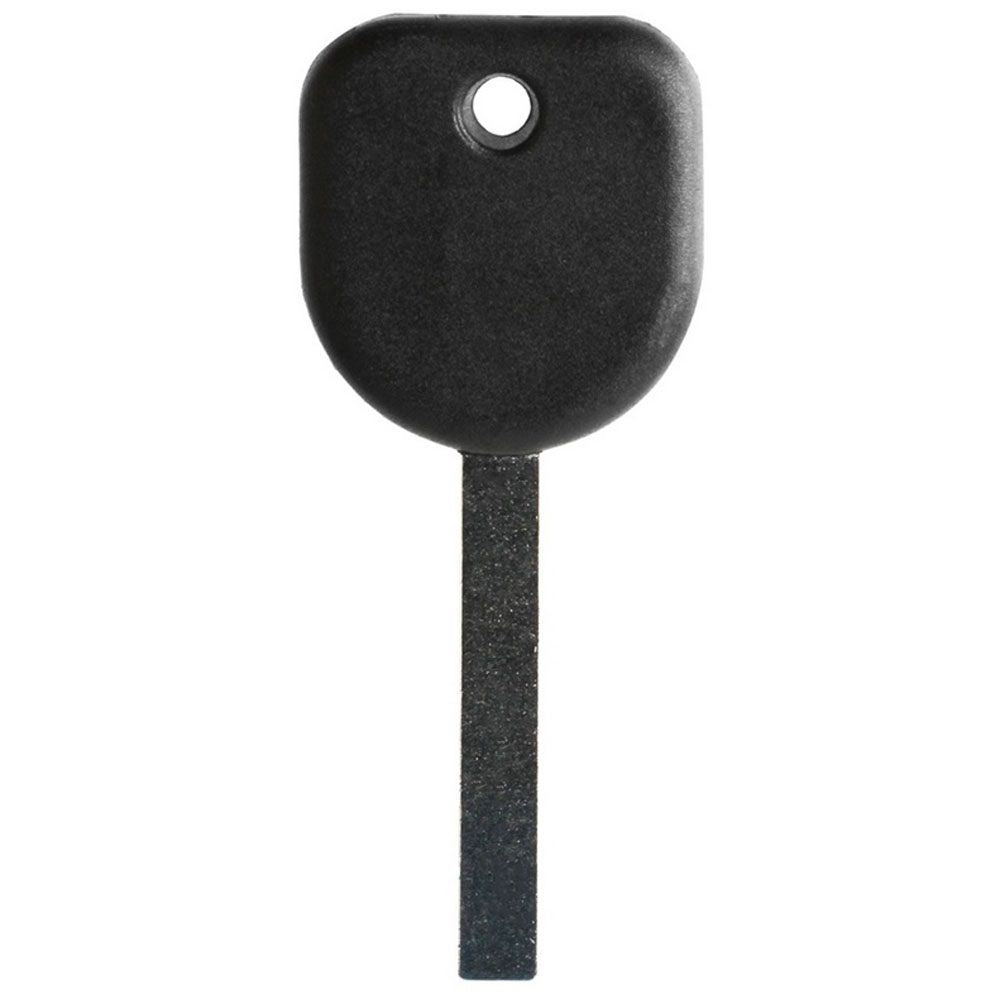
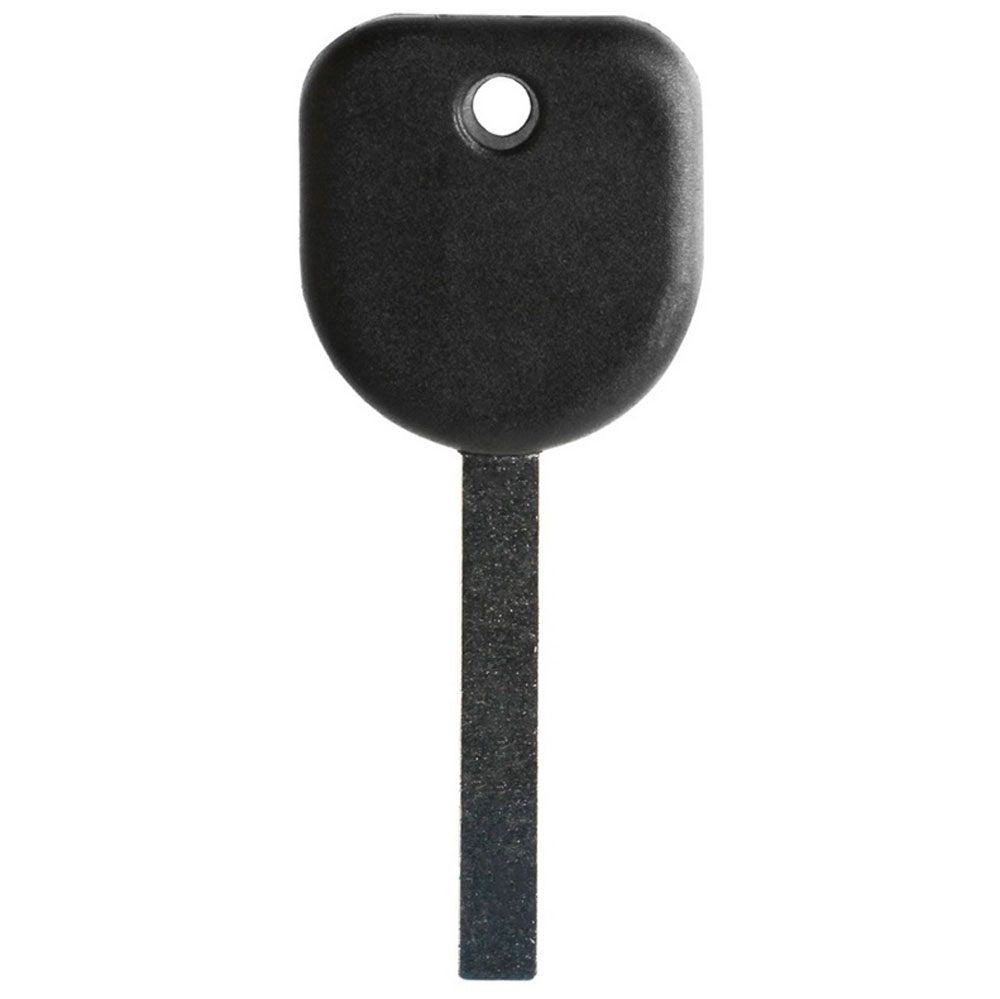
This key must be professionally cut when received by a local automotive locksmith (click here for Locksmith Search ) or hardware store. Proof of ownership for your vehicle will most likely be required (like title, registration, insurance card) to make sure you are the owner or authorized user. You can program this key at home using your existing two working keys (see programming instructions below).
Programming Instructions:
ALL KEYS LOST/MISPLACED
1. Insert the new cut key into ignition cylinder and turn it to the ON position. The security light on the dash will light up and stay on for about ten minutes. When the security light goes out, you have one minute to start the next step.
2. Turn the ignition cylinder to OFF and then back to the ON position. The security light on the dash will illuminate and stay on for ten more minutes. When the security light goes out, you have one minute to start the next step.
3. Turn the ignition cylinder to OFF and then back to the ON position. The security light on the dash will illuminate and stay on for ten more minutes.
4. After the security light has gone off for the third time, turn key off and remove from ignition. The key is now programmed and all other keys have been erased.
5. Insert key and start vehicle to test key.
TO ADD AN EXTRA KEY (you must have two working keys)
1. Insert the first, already programmed key in the ignition and turn the ignition on.
2. Turn the ignition off and remove the key.
3. Quickly, within five seconds, insert the second already programmed key in the ignition and turn the ignition on.
4. Turn the ignition off, and remove the key.
5. Insert the new key to be programmed and turn the ignition on within five seconds. The security light will turn off once the key has been programmed.
6. Repeat Steps 1–5 if additional keys are to be programmed.
This key must be professionally cut when received by a local automotive locksmith (click here for Locksmith Search ) or hardware store. Proof of ownership for your vehicle will most likely be required (like title, registration, insurance card) to make sure you are the owner or authorized user. You can program this key at home using your existing two working keys (see programming instructions below).
Programming Instructions:
ALL KEYS LOST/MISPLACED
1. Insert the new cut key into ignition cylinder and turn it to the ON position. The security light on the dash will light up and stay on for about ten minutes. When the security light goes out, you have one minute to start the next step.
2. Turn the ignition cylinder to OFF and then back to the ON position. The security light on the dash will illuminate and stay on for ten more minutes. When the security light goes out, you have one minute to start the next step.
3. Turn the ignition cylinder to OFF and then back to the ON position. The security light on the dash will illuminate and stay on for ten more minutes.
4. After the security light has gone off for the third time, turn key off and remove from ignition. The key is now programmed and all other keys have been erased.
5. Insert key and start vehicle to test key.
TO ADD AN EXTRA KEY (you must have two working keys)
1. Insert the first, already programmed key in the ignition and turn the ignition on.
2. Turn the ignition off and remove the key.
3. Quickly, within five seconds, insert the second already programmed key in the ignition and turn the ignition on.
4. Turn the ignition off, and remove the key.
5. Insert the new key to be programmed and turn the ignition on within five seconds. The security light will turn off once the key has been programmed.
6. Repeat Steps 1–5 if additional keys are to be programmed.